


5 Powerful Reasons Native CSS Nesting Killed Sass For New Projects
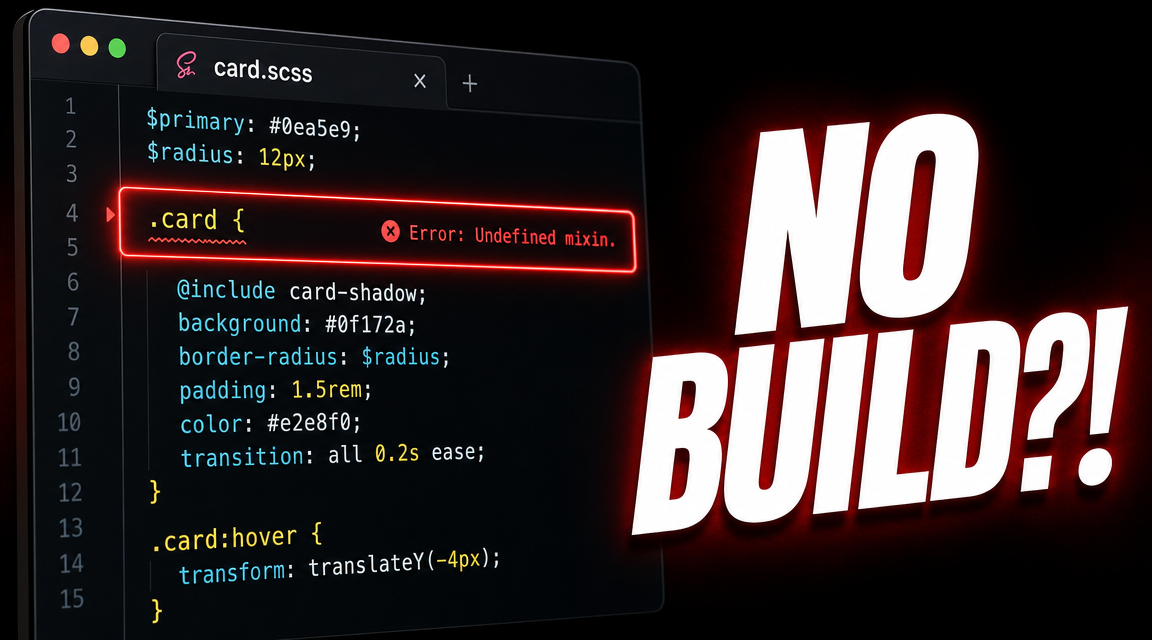
Table of Contents
For a decade, every serious CSS codebase reached for Sass on day one. The killer feature was nesting: writing styles in a hierarchical structure that mirrored the markup, rather than repeating selectors. Today native CSS nesting has shipped in every evergreen browser, and the question every team should be asking is whether the Sass build step still earns its place in the toolchain. For projects that used Sass exclusively for nesting and a handful of variables, the answer in 2026 is no.
This post walks through five reasons native CSS nesting has replaced Sass for the common case, the four gotchas the spec introduced that Sass developers should know about, and the cases where Sass still pulls real weight (mixins, modules, color math). It is not a victory lap. It is an honest audit of where the build step still pays for itself and where it does not.
Why Sass Took Over (And Why That Era Is Ending)
Sass became ubiquitous in 2014 to 2018 because plain CSS lacked three things every component developer wanted: nesting, variables, and modular imports. Sass shipped all three with a compiler that turned source files into stylesheets the browser could parse. The compile step was the price of admission; nesting was the headline value.
The era is ending because every one of those three Sass-only features is now native. CSS custom properties replaced variables in 2017. Cascade layers and the @import statement matured into a reasonable module story. And native CSS nesting reached stable browsers in 2023. The remaining Sass features (mixins, color functions, math, loops) are real, but they are not the reason most teams reach for Sass on day one. They are an extra benefit, not the headline.
Reason 1: Native CSS Nesting Ships No Build Step
The single biggest cost of Sass is the build pipeline that produces CSS from source. Every change to a Sass file triggers a compile, every CI build configures a Sass toolchain, every developer onboarding installs the right Sass version. Native CSS nesting eliminates all of that. The file the developer writes is the file the browser receives.
/* Sass source: app.scss (45 lines) */
.card {
  padding: 1rem;
  .title {
    font-size: 1.25rem;
  }
}

/* Sass compiled output: app.css (47 lines, no nesting in browser file) */
.card {
  padding: 1rem;
}
.card .title {
  font-size: 1.25rem;
}
With native CSS nesting, the source IS the deployed file. No compile, no source maps, no toolchain version pinning. For a project that only used Sass for nesting, the build step removal alone justifies the migration. CI gets faster, onboarding gets shorter, and the deployment artefact gets simpler.
Reason 2: Syntactic Parity With Sass
Native CSS nesting matches Sass nesting almost exactly. The same hierarchical structure, the same ampersand reference for the parent selector, the same comma-separated parent list. Migrating a Sass file to native CSS often means changing the file extension and removing a few features that do not exist natively (mixins, variables to custom properties, lighten() calls).
/* Both files render identical styles to the browser */

/* Sass */
.card {
  padding: 1rem;
  &:hover {
    background: #f5f5f5;
  }
  .title {
    font-size: 1.25rem;
  }
}

/* Native CSS — same syntax */
.card {
  padding: 1rem;
  &:hover {
    background: #f5f5f5;
  }
  .title {
    font-size: 1.25rem;
  }
}
The muscle memory transfers. A team that has been writing Sass for years writes native CSS nesting on day one without retraining. The mental model is identical. The only divergences are in a few edge cases covered in the gotchas section below.
Reason 3: The Rendered CSS Is the Source
With Sass, the file in source control is not what the browser parses. When debugging a specificity issue or a rule that fires unexpectedly, you have to either read the source map back to the original Sass file or read the compiled CSS that does not look like what you wrote. Native CSS nesting removes that translation layer entirely.
The result is that the file you open in your editor is the file the browser sees. The line number in your stylesheet matches the line number in DevTools. Production stack traces from CSS errors map directly to source. The build artefact stops being a separate concept.
Reason 4: Browser DevTools Show the Actual Nesting
Chrome 120 and Firefox 117 ship native support for displaying nested CSS rules in DevTools with their original structure. Sass-compiled CSS shows the flattened version with no indication of the original nesting. Native CSS nesting shows the tree the developer wrote.
This is a small but real productivity improvement. Inspect an element, see the nested rules in the structure they were authored in, and edit them in place using DevTools. With Sass, the same workflow requires opening the source file, finding the parent block, and editing there.
Reason 5: Evergreen Browser Support
Native CSS nesting reached stable in Chrome 112, Safari 16.5, and Firefox 117. All three shipped in 2023. According to caniuse data from 2026, real-world support is above 94 percent of global traffic and rising. For new projects targeting evergreen browsers, this is now baseline.
The remaining slice of traffic (older mobile devices, intranet browsers) can be supported with progressive enhancement: write a flat fallback first, then layer the nested rules inside an @supports test. This is the same pattern that worked for flexbox in 2015 and grid in 2017. By 2027 the fallback ceremony will be optional.
The 4 Gotchas Native CSS Nesting Has
Native CSS nesting is mostly compatible with Sass nesting, but four differences matter. First, the early spec required an ampersand before bare element selectors. .card { div { } } used to be ambiguous and rejected. The relaxed spec accepts it now, but older browsers may still require .card { & div { } }.
Second, specificity rules differ subtly. Sass flattens nested selectors before compilation, so the specificity is whatever the flat selector resolves to. Native CSS nesting uses the :is() wrapping internally, which can affect specificity calculations in edge cases.
Third, the ampersand inside compound selectors behaves differently. Sass treats &.active as a string substitution; native CSS treats it as a relational reference. For 99 percent of cases the result is the same, but corner cases like .parent { &-child { } } (Sass interpolation) do not work natively.
Fourth, descendant-selector traps. .card { .title { } } in native CSS implicitly means .card > * .title, not .card .title. For pure descendant matching, you have to write .card & .title or rely on the relaxed spec. The MDN native CSS nesting reference documents each of these edge cases in detail.
When Sass Still Earns Its Keep
Sass is not dead. It is no longer the default. Five Sass features have no native equivalent and still justify the build step on the right project. Mixins reduce repetition for groups of declarations: a button mixin that takes a color and a size, applied across twenty components. CSS custom properties cannot replicate this because they cannot define rule blocks.
The @use and @forward module system gives namespaced imports and explicit dependency graphs. Native CSS does not have an equivalent yet (cascade layers solve part of the problem but not all of it). Color functions like lighten and darken are convenient, though the new relative-color syntax in CSS is closing the gap. Math beyond what calc() can do (loops, type-aware multiplication) remains Sass-only. And @for and @each loops let you generate sequences of rules programmatically, which native CSS cannot.
The honest rule of thumb: audit the Sass usage in the codebase. If the only Sass features in use are nesting, variables, and partials, the build step is dead weight. If the project uses mixins for component variants, @use for module boundaries, or color math for theming, Sass still earns its place. Most codebases fall in the first category.
Watch the Full Breakdown
The full seven-scene walk-through of the Sass to native CSS migration (the side-by-side syntax comparison, the no-build payoff, the four gotchas in detail with code, and the honest balance on where Sass still wins) is in the companion video below. There is a one-minute version on YouTube Shorts as well.
For more deep dives into CSS, frontend engineering, and the operational details that keep production design systems sane, browse the rest of the Web Development section on this site.