


Google Ads Performance Max: Killer Tips for Stunning Small Business Results
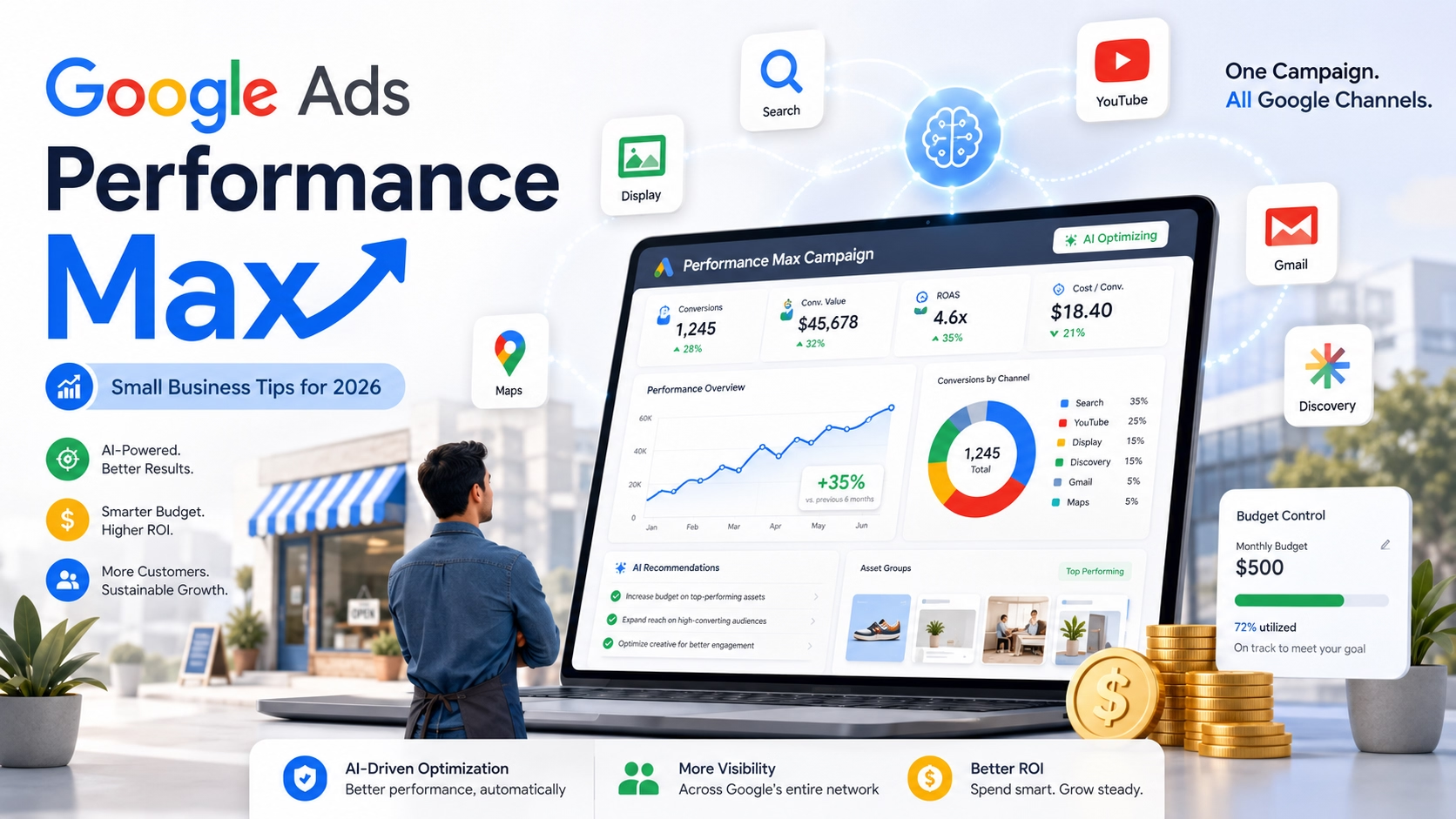
If you’re running paid ads in 2026, Google Ads Performance Max is one of the most powerful — and potentially overwhelming — campaign types at your disposal. For small business owners watching every dollar, Performance Max promises something incredible: access to every Google advertising channel through a single, AI-driven campaign. But without the right strategy, it can drain your budget faster than you can say “learning phase.”
I’ve set up and optimized Google Ads Performance Max campaigns for businesses spending anywhere from $1,000 to $50,000 per month. The tips in this guide are specifically tailored for small businesses that need killer results without enterprise-level budgets.
Table of Contents
What Is Google Ads Performance Max?
Google Ads Performance Max (PMax) is a goal-based campaign type that runs across all of Google’s ad inventory — Search, Display, YouTube, Discover, Gmail, and Maps — from a single campaign. Instead of manually choosing channels and placements, you provide creative assets and conversion goals, and Google’s AI handles the rest.
In 2026, Google has significantly expanded PMax capabilities. New features include asset group-level reporting, channel-level budget transparency, brand exclusions as a standard control, improved search terms reports, and even Waze ads integration for store-focused campaigns. The introduction of AI Max features and AI Brief also lets advertisers guide the AI with specific messaging, matching, and audience guidelines — giving you far more control than PMax originally offered.
For small businesses, this matters because Google Ads Performance Max eliminates the need to manage separate campaigns for Search, Display, and YouTube. One campaign, one budget, maximum reach.
Why Google Ads Performance Max Is a Game-Changer for Small Businesses
The biggest advantage of Google Ads Performance Max for small businesses is reach efficiency. Instead of splitting a limited budget across three or four campaign types, PMax concentrates your spend where conversions are most likely.
Here’s what makes it particularly compelling for smaller advertisers. First, you get cross-channel visibility without cross-channel complexity — a single campaign reaches customers on Search, YouTube, Display, Gmail, Discover, and Maps. Second, Google’s Smart Bidding adjusts bids in real time based on conversion likelihood, which means your budget works harder with less manual intervention. Third, the 2026 reporting improvements — including asset performance ratings and audience insights — let you see exactly what’s working.
If you’ve already been running search ads on a tight budget, you know how quickly poor targeting can eat through your spend. I covered strategies for that in my guide to running Google Ads on a small budget, and many of those principles carry directly into PMax campaigns.
Killer Google Ads Performance Max Tips for Small Budgets
These are the strategies that consistently deliver the best results for small businesses running Google Ads Performance Max campaigns.
Start with Maximize Conversions, not Target ROAS. When launching a new PMax campaign, resist the urge to set a Target ROAS or Target CPA immediately. The algorithm needs at least 30 to 50 conversions to learn effectively. Start with Maximize Conversions to build that data foundation, then layer in target-based bidding once you have enough conversion history.
Set a realistic daily budget. Google’s algorithm needs enough data to optimize. For most small businesses, that means a minimum of $50 to $100 per day. If you’re spending less than $30 daily, the campaign won’t gather enough conversion data to exit the learning phase efficiently. Consider starting slightly above your target budget for the first two weeks — spending $130 to $150 daily when your long-term target is $100 can compress the learning window and actually save money long-term.
Use audience signals aggressively. Audience signals aren’t targeting — they’re suggestions that accelerate the AI’s learning. Upload your customer match lists, add website visitor audiences, and include in-market segments relevant to your business. The stronger your audience signals, the faster PMax finds your ideal customers instead of wasting spend on exploratory traffic.
Create themed asset groups. Don’t dump every product or service into one asset group. Organize them by theme — separate groups for different service categories or product lines. Each group should have headlines, descriptions, and images that align with a specific offering. This coherence dramatically improves ad relevance and Google Ads Performance Max results.
Apply brand exclusions. In 2026, brand exclusions are a standard feature in PMax. If you’re running separate brand campaigns, exclude your brand terms from PMax to ensure it’s finding genuinely incremental demand rather than harvesting existing brand intent. This one adjustment can transform your campaign’s true ROI.
How to Optimize Google Ads Performance Max Campaigns in 2026
Once your campaign is live, the optimization phase is where small businesses separate themselves from wasted ad spend.
Invest in custom creative assets. Auto-generated assets — especially videos — consistently underperform custom content by a significant margin. Upload high-quality lifestyle images and short-form videos (6 to 15 seconds) that showcase your product or service in context. According to WordStream’s PMax optimization guide, adding as many assets as possible increases the chances of your ads being eligible across all inventory types.
Review asset performance weekly. PMax now provides asset-level performance ratings. Check these regularly and replace any assets rated “Low” with fresh alternatives. This iterative process keeps your creative portfolio sharp and your click-through rates climbing.
Use negative keywords strategically. Google Ads Performance Max now supports campaign-level negative keywords — a feature advertisers fought hard to get. Review your search terms report weekly and add negatives for irrelevant queries. This is especially critical on small budgets where every wasted click hurts.
Scale gradually. Once you find a winning configuration, increase your budget in increments of 15 to 20 percent. Wait 7 to 14 days between each increase to let the algorithm stabilize. Dramatic budget jumps reset the learning phase and can tank performance temporarily.
Monitor placement reports. PMax now shows where your ads appear across Display and YouTube inventory. Use placement exclusions to remove low-quality sites or irrelevant YouTube channels that consume budget without converting.
Common Mistakes That Waste Your Google Ads Performance Max Budget
Even well-intentioned small business owners make these errors with Google Ads Performance Max campaigns.
Adjusting too frequently. Every significant change — new asset groups, budget shifts, bidding changes — restarts the learning phase. Make changes deliberately and wait at least two weeks before evaluating results.
Ignoring the product feed. For ecommerce businesses, your Merchant Center feed is the single most important factor in PMax performance. Ensure product titles are descriptive, images are high quality, and pricing is accurate. A messy feed leads to irrelevant placements and wasted clicks.
Relying on auto-generated videos. These are convenient but often generic and low-performing. Custom videos tailored to your audience consistently outperform auto-generated alternatives by up to 40 percent.
Running PMax without conversion tracking. This sounds obvious, but it happens more often than you’d think. Without proper conversion tracking, the AI has no signal to optimize toward, and your budget essentially funds random impressions across Google’s network.
Setting and forgetting. PMax is automated, but it’s not maintenance-free. Weekly reviews of search terms, asset performance, audience insights, and placement reports are essential for keeping your Google Ads Performance Max campaigns on track and profitable.
Start Driving Killer Results With Google Ads Performance Max Today
Google Ads Performance Max is one of the most impactful advertising tools available to small businesses in 2026 — but only when configured and optimized correctly. Start with realistic budgets, strong audience signals, and themed asset groups. Monitor your performance data weekly, replace underperforming assets, and scale gradually once you find what works.
If you’re a small business owner or startup founder looking to get more from your advertising spend, these strategies will give you a clear path to stunning results. Ready to take your digital marketing to the next level? Get in touch — I help businesses build Google Ads campaigns that deliver killer ROI without a massive ad spend.